
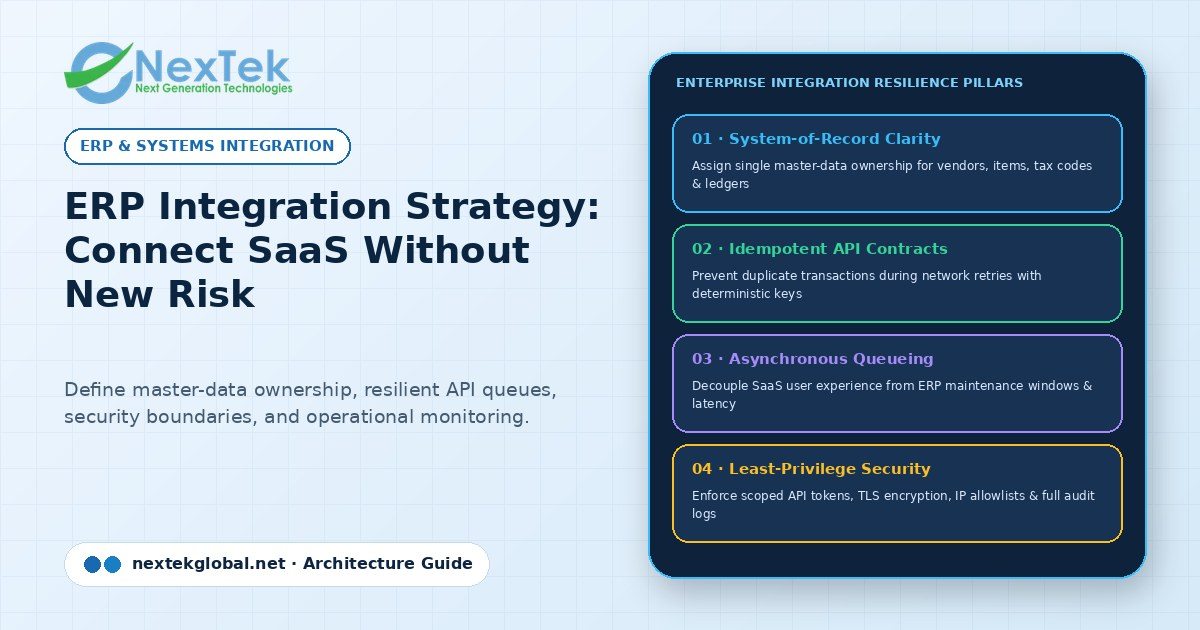
Assign an owner to each field
Take one approved order and map it from the purchasing system to the ERP. For supplier ID, item code, unit, currency and order reference, record which system owns the value and what happens if it is missing. If a supplier is inactive in the ERP, decide who can resolve the exception before the order is resent.
Test what happens after a timeout
A timeout can occur after the ERP has already accepted the order. Send a sample order in a test environment, interrupt the acknowledgement and repeat the request with the same reference. Check that the receiving system recognises the original order. If it creates a second order, agree a duplicate check or reconciliation step before enabling retries.
Give support a reconciliation procedure
For each test, retain the source reference, destination reference, outcome and timestamp. Ask support to trace a missing acknowledgement using those fields and confirm which system holds the final state. Include a rejected item code, a corrected order and a repeated message in acceptance testing. Review the field map and exception owners with your ERP integration team.



 AI-enabled procurement platform
 FBR digital invoicing integration
 Enterprise AI governance platform