
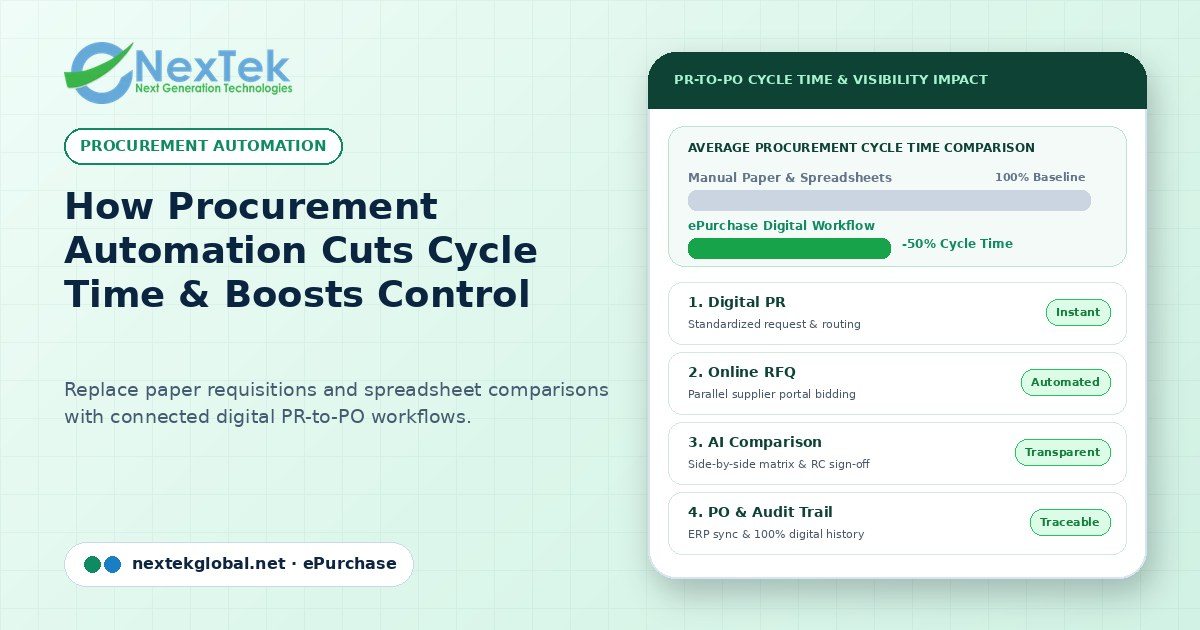
Separate sourcing time from approval time
Pick one repeat purchase category and collect four timestamps for each completed order. Record when the requisition was accepted, when the RFQ was issued, when the bids were ready for a decision and when the purchase order was released. Use the same business-day or calendar-day convention for every order. Record open requests separately so an unfinished order cannot look like a fast one.
Use the delays to choose a change
Suppose a request arrives on day 1, the RFQ goes out on day 2, comparable bids arrive on day 8 and the PO is released on day 10. Six of the nine elapsed days sit between RFQ issue and comparable bids. Check whether suppliers missed a specification, quoted in different units or needed clarification. A standard response sheet may save more time here than adding approval reminders.
Check the result on comparable orders
After the change, compare the median time for the same category and flag unusually slow orders for review. Also track reopened approvals and missing quotes. A faster award has little value if buyers must reopen it to correct the terms. The ePurchase RFQ workflow connects bid comparison, approvals and the resulting purchase order.



 AI-enabled procurement platform
 FBR digital invoicing integration
 Enterprise AI governance platform